Session planner
Photo session planner
Six free tools to plan your session before you book it. Pick an outfit, find a spot, check the light, prep with a checklist and size your prints.
Short answer
The GKPhoto session planner is a set of free tools: an outfit planner, a photo spot finder, a golden hour calculator, a seasonal calendar, prep checklists, a print size visualizer, a headshot wardrobe guide and a Wake County permit guide. The spot finder covers 80 locations in 17 towns.
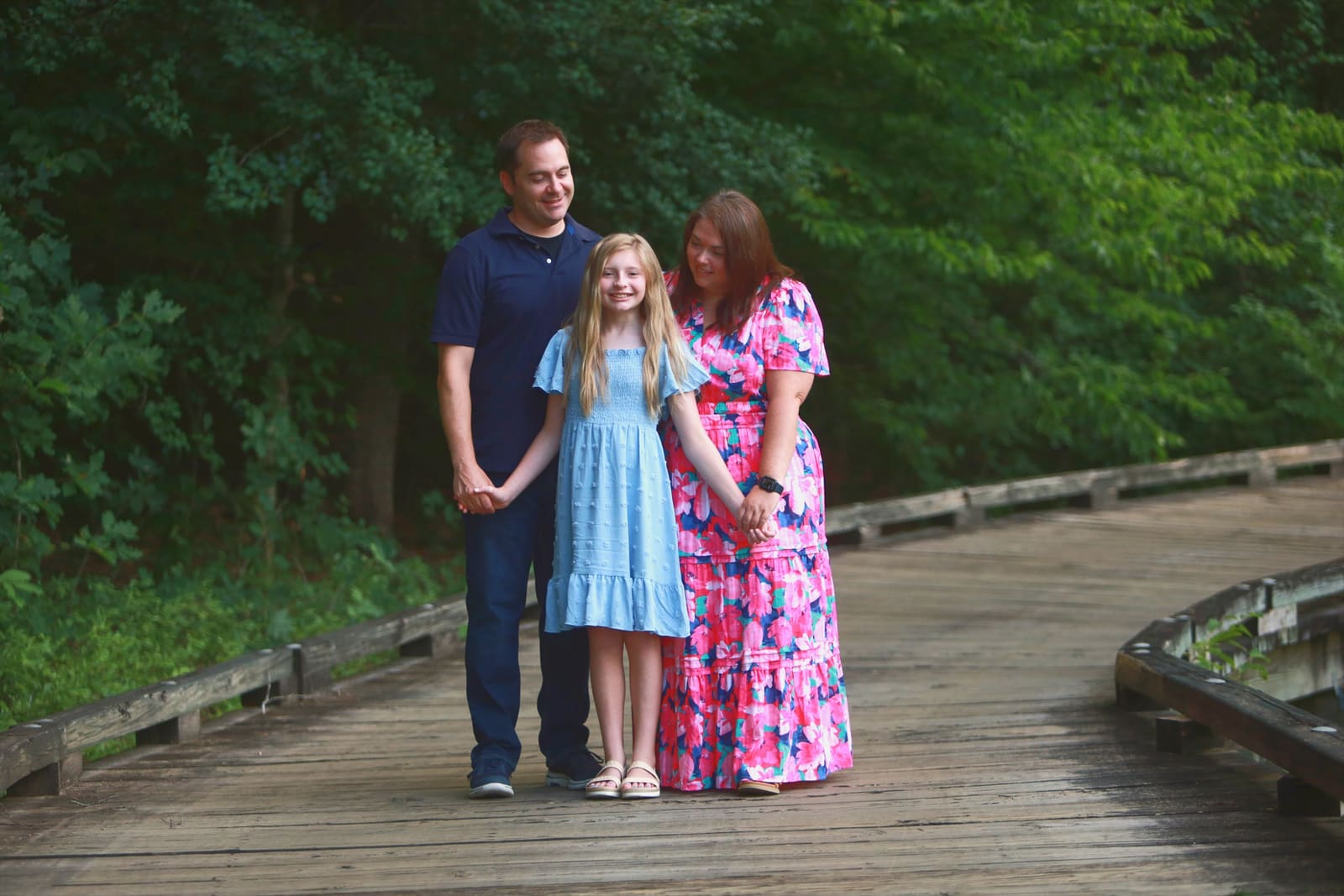
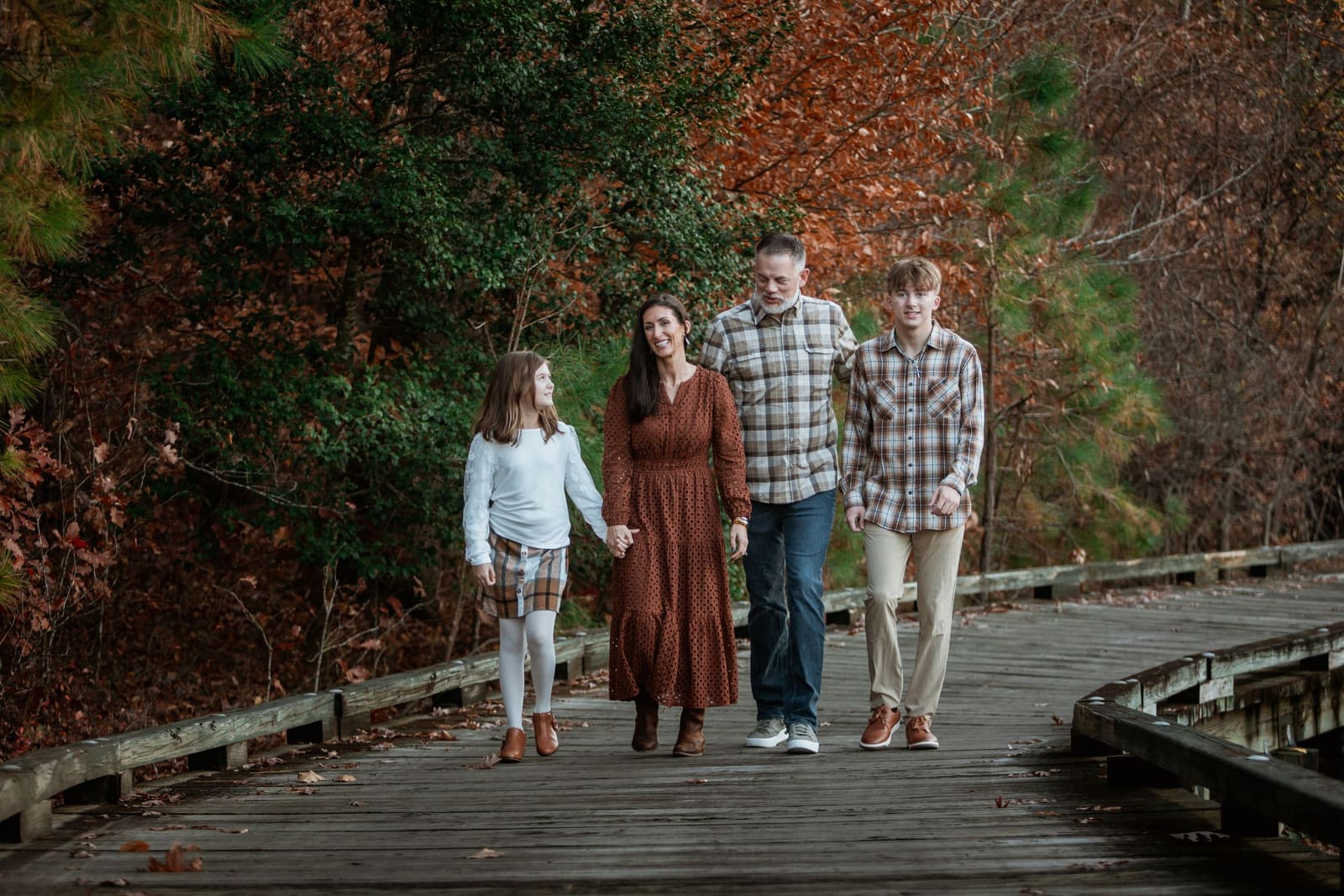




- Print size visualizerSee 4x6 to 20x30 prints to scale above a sofa, mantel, bed or stairway, with store prices.Open the tool
- Outfit palette plannerStart from one outfit you own and build a matching palette for the group, with a fade warning.Open the tool
- Session timeline plannerA run of day built back from sunset: meal, nap, leaving home and arriving.Open the tool
- Headshot prep checklistTasks counted back from your session date, with saved ticks and calendar reminders.Open the tool


Which tool to open, and when
- Before you book: the session quiz picks a package, and the photo spot finder picks a place.
- Two weeks out: the outfit planner and the palette planner choose what to wear.
- One week out: the prep checklists and the headshot checklist count down the tasks.
- Day of: the golden hour calculator and the timeline planner set the clock.
- After the session: the print size visualizer shows each size on your wall.
These tools answer the questions that come up before every session. What should we wear? Where should we shoot? When is the light good? What do we bring? How big should we print this?
Each tool runs in your browser. Nothing you pick leaves your device. Most tools save your choices in the page link, so you can send your plan to a partner or a grandparent.
Every tool ends with a link to the quote builder, with the session type and your town already filled in. You never have to start over.
Planning a session in a specific town? Browse the service areas or see pricing.
Not sure yet?
Start with the session quiz. It is free and needs no email.
Next step
Plan it, then book it
Plan, then book. Every tool ends in a quote link with your session type already filled in.
Questions first? Call 919-917-3015 or send a message.
Updated